Get the app
Every screen, one table.
Android gets a direct install. iPhone gets a home-screen app. Laptops play in the browser. Same account on all of them.
🤖
Android
A signed 2 MB app that opens full screen and updates itself.
- Scan, tap Download
- Allow the install if asked
- Open and play
iPhone
Open the game in Safari and add it to your home screen. It gets its own icon, opens full screen and stays signed in.
- Scan, open in Safari
- Tap Share, then Add to Home Screen
- Tap Add
💻
Desktop
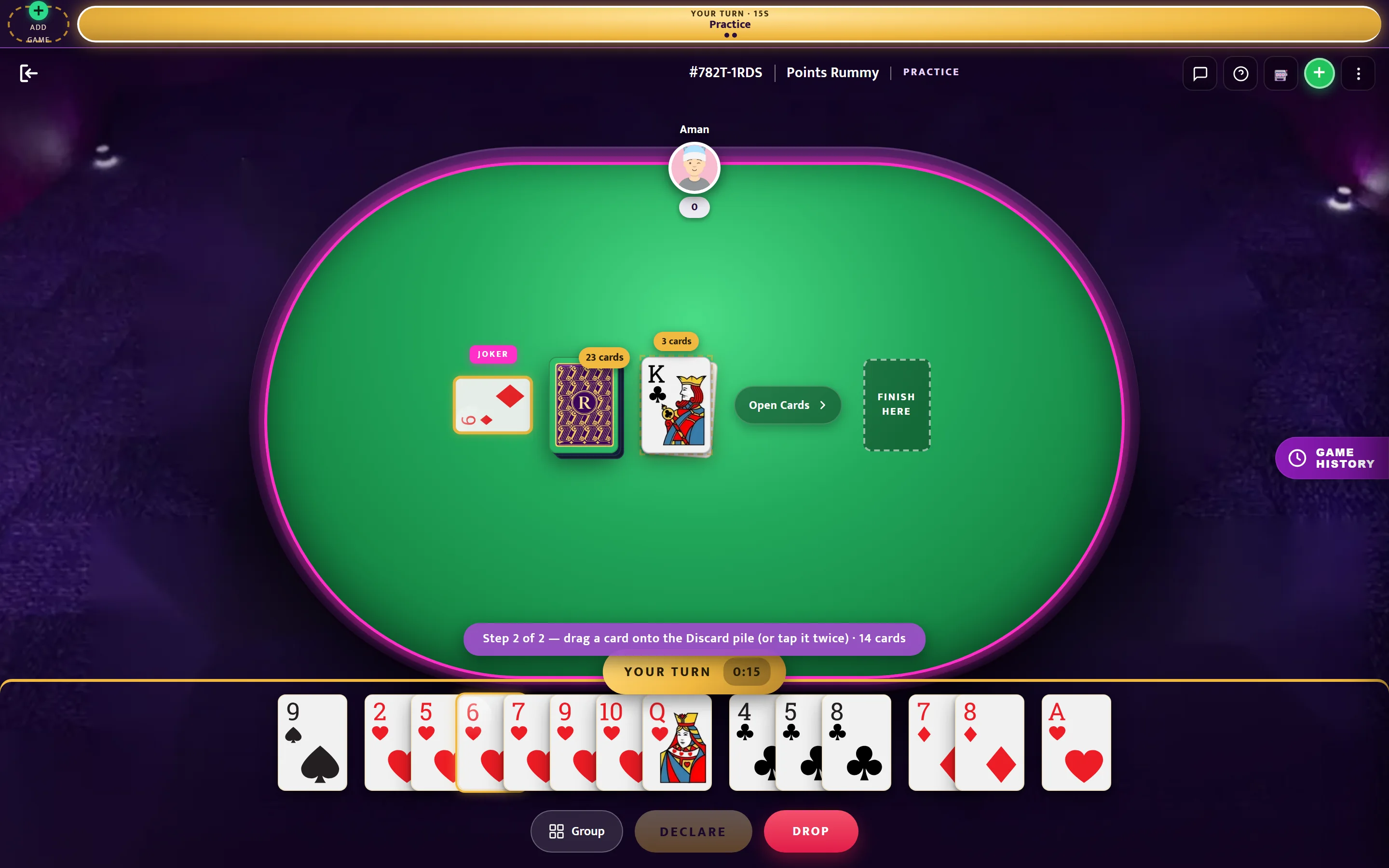
Chrome, Edge, Safari or Firefox on Windows and Mac. The table fills the screen; nothing to install.
Android help
If the install does not go through
- Download with Chrome. Brave and in-app browsers (Telegram, WhatsApp) often stall APK downloads or open the app in a plain tab.
- If Play Protect warns about an app from outside the Play Store, choose More details, then Install anyway. The app is signed by us and asks for no permissions beyond notifications.
- "App not installed" usually means an older copy is in the way: uninstall it, then install again.
- "Problem parsing the package" means the download was cut short: delete the file and download again.